
In the freelance video editing work I’ve been doing, one company in particular, tasked me with updating their old videos library so that they don’t have to reshoot their videos.
Sometimes reshooting a video is unavoidable. Sometimes the speaker might request it, sometimes the data is really out of date and there’s no way around it.
But if they can be fixed, and an expensive reshoot avoided, then it should absolutely be done.
The concept of this works if the facts or other information contained in the video is evergreen. If a video discusses events in the future, and the future is 2011, then that’s a problem. That information ether needs to be updated if it’s a screen graphic, or the video needs to be reshot.
Assuming that’s not an issue the path currently see forward (I’m using the word currently as I may learn new ways of doing things), seems to have 3 options:
Option One: Vertical Video
Sometimes if a video has been shot vertically, you might find the need to show the video in a horizontal format. This is something you often see on the news.
1. What is the Video Resolution?
What you typically have is a low resolution video. You need to make it look better. If your video is 480p (standard-definition) or 720p (high-definition) can probably safely upscale that to 1080p (Full HD). Going beyond that into 2K or 4K and you risk quality as it’s too big a leap. Going from 1080p to 2K or 4K shouldn’t really pose too many problems.
2. Upscale the Video
I use Topaz Labs . It’s a photo and video enhancement software powered by deep learning that can improve image quality, reduce image noise, sharpen it, and upscale it. Now, it does use AI. This isn’t something I was happy with initially.
But here’s the thing, it doesn’t steal the work of other artists as its not generative. You provide it with a video and it does it’s thing. The other thing is the environmental impact. It’s locally based on your computer, so while it still uses the energy of your computer, what it doesn’t do is use data centers like a LLM or some other generative AI model would use.
3. Blurred Edges
The vertical video will look something like this:
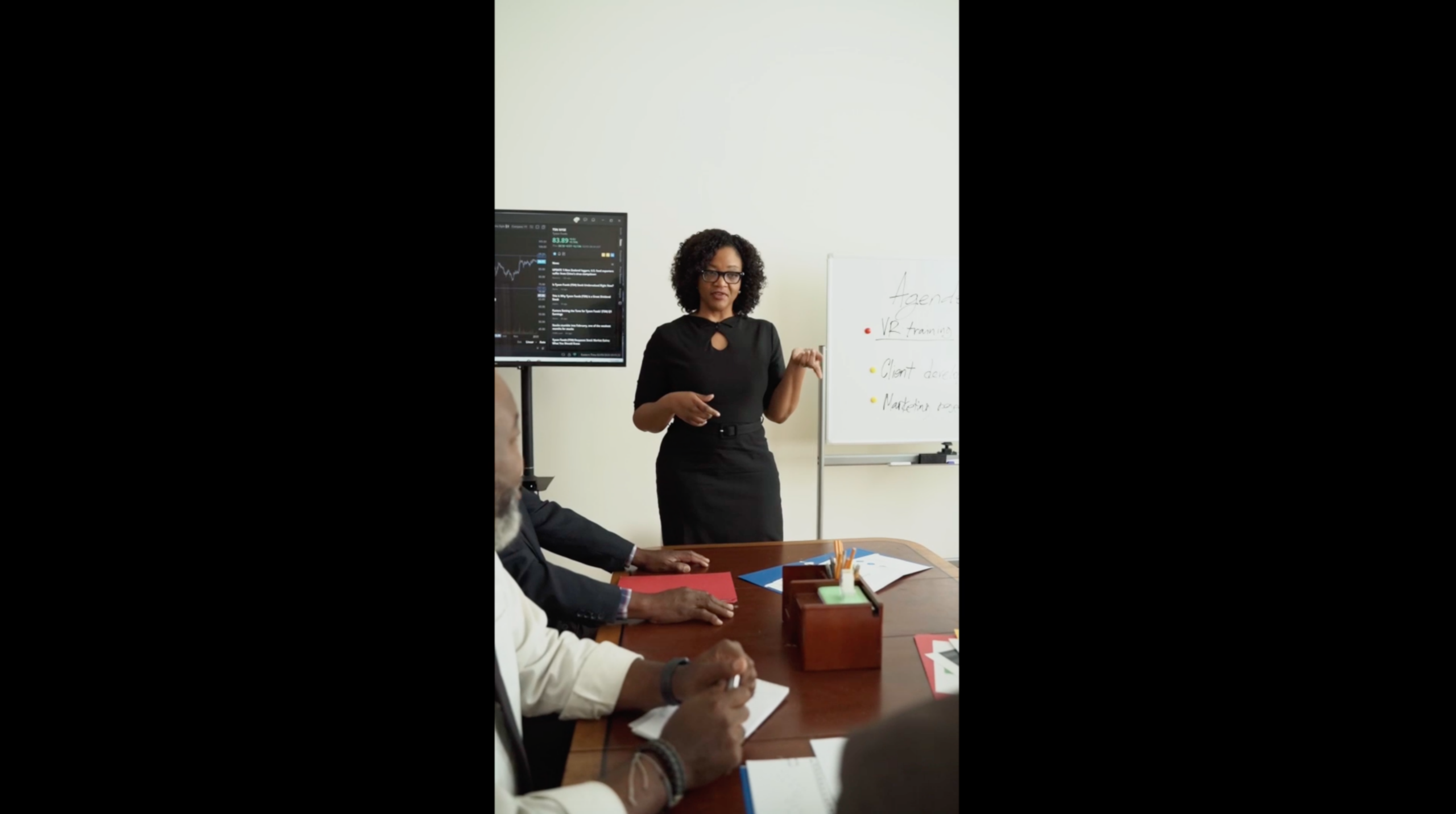
Upscaled, but there are black edges on the size. This is a formatting issue. I mean you could try to adjust it to fit the screen in Topaz, but what typically happens is, it gets all stretched out and looks terrible.
Typically what happens is, in an editing software like Final Cut Pro, or Adobe Premiere Pro you would figure out a way to duplicate the video, make one of them blurry, adjust the size of the video, and then crop the edges so the blurred video fills in the edges of the vertical video. It will look something like this:
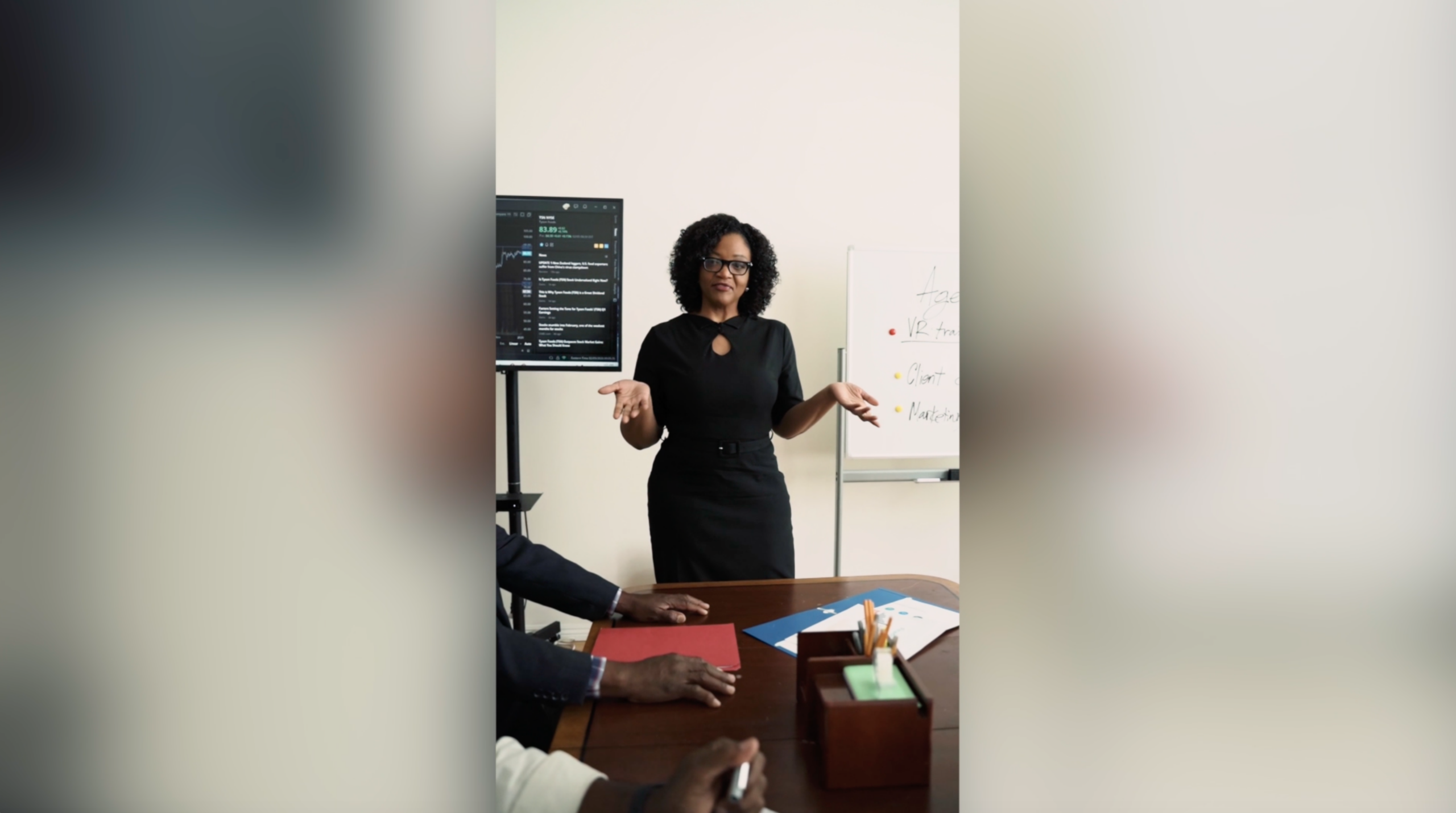
I tried to keep this post general and not too bogged dow in the details. But this is one approach to, solving the issue of, in this case, a vertical video being shown in a horizontal format.
I’ll probably talk about the other approaches in a future post.